Communications Settings
The regatta communication setting page is where you can configure the appearance of emails sent to competitors from the regatta and configure who should receive email notifications about newly submitted protests and scoring inquiries.
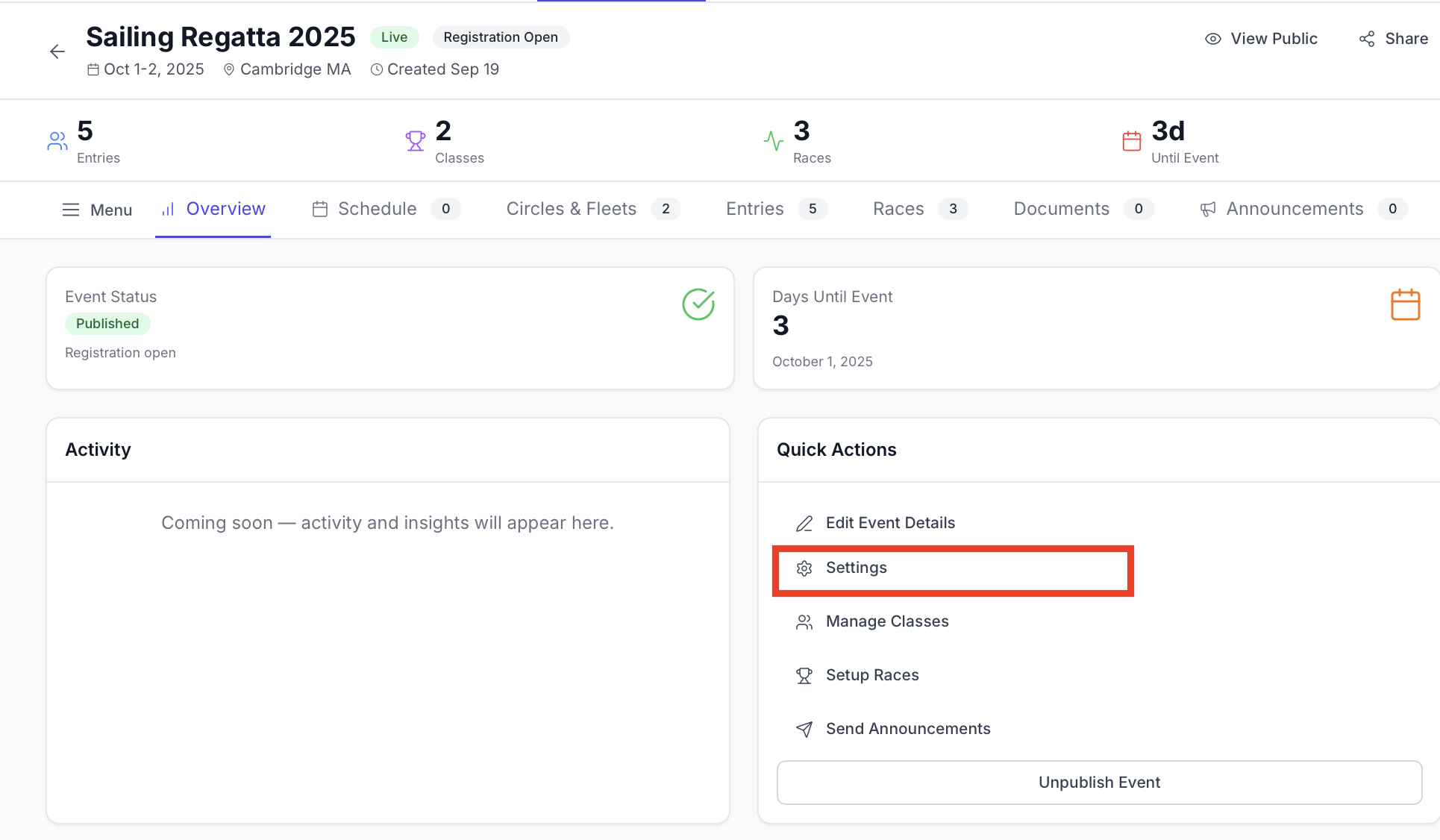
How to Find it:
You can access the Regatta communications page in the Regatta settings. Found by going to the regatta admin home page and selecting regatta settings.
Communications Page Layout
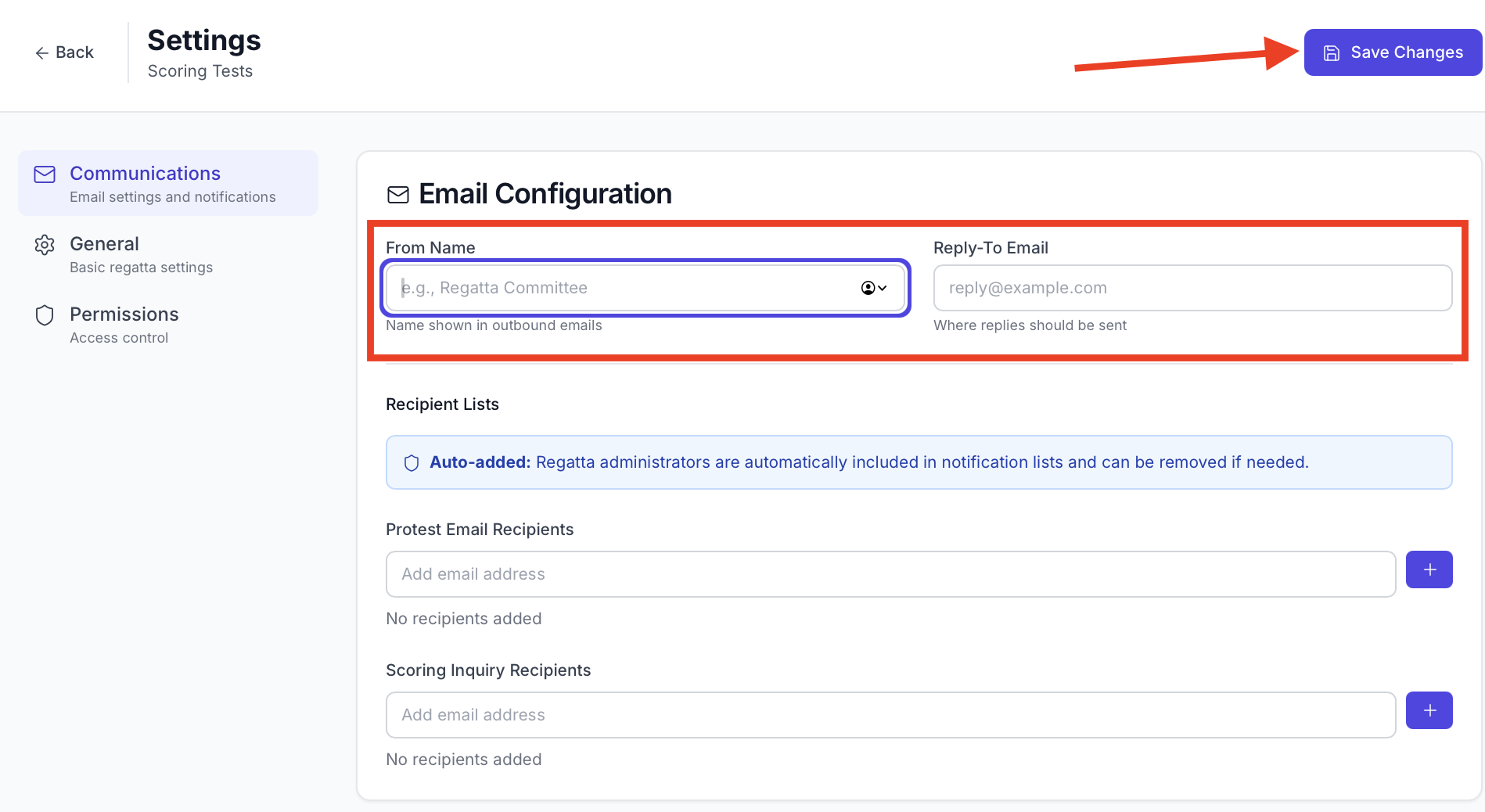
The communications settings page can be divided into two parts:
- Email configurations for outbound emails
- Recipient lists for notifications
Email Configuration for Outbound Emails
Admins have the ability to send announcements and notice board posts to all competitors via email. These emails will all come from a regatta-hub.com email address. However, you do have the option to configure the from name and the reply-to email.
What does this mean in practice? Emails will appear with your name as the name in users inbox, but the email address will always be the same. Replies will go directly to you.

- Change this by navigating to regatta settings —> communications
- Entering a from name and reply to email and click save changes.
Configure recipients for protest and scoring inquiries
These emails will receive email notifications whenever a regatta participant submits a protest or scoring inquiry.
- Enter an email in the box and click the plus button on the right side
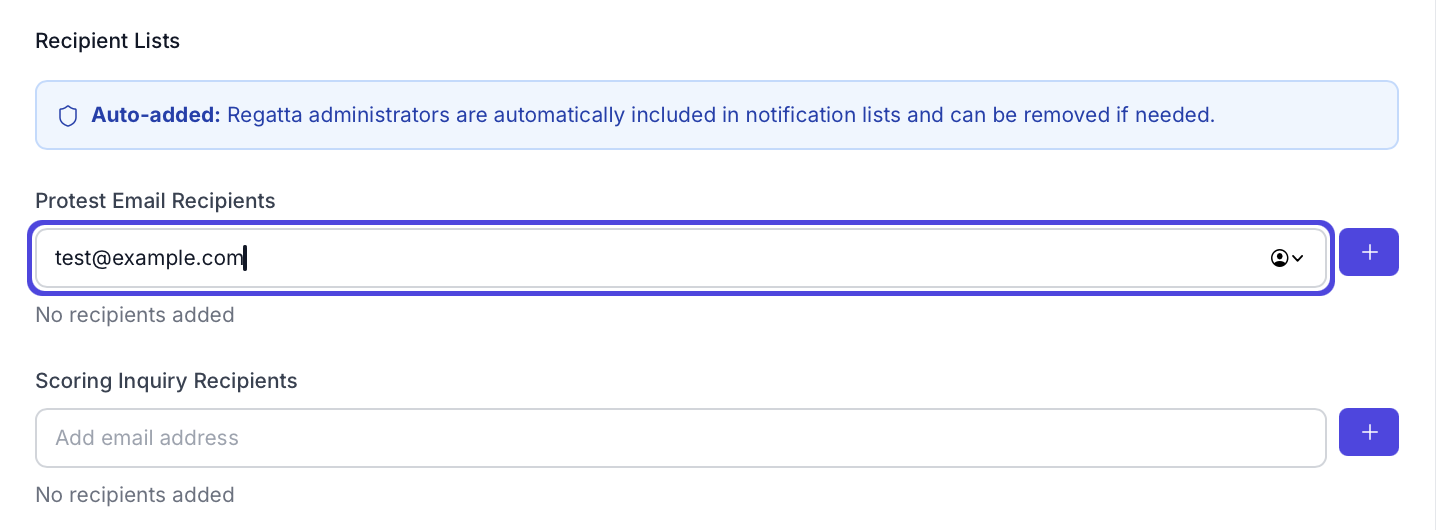
- The name will appear below the box
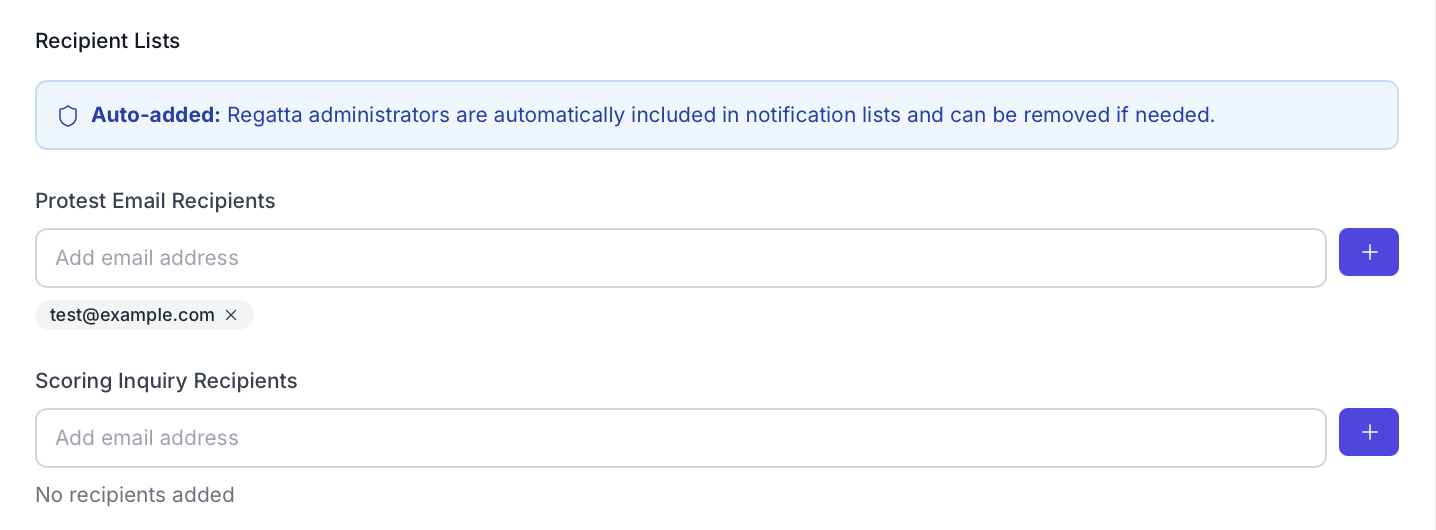
- Save changes
- Navigate to regatta settings —> communications
- Click the x next to an email address on the recipients list
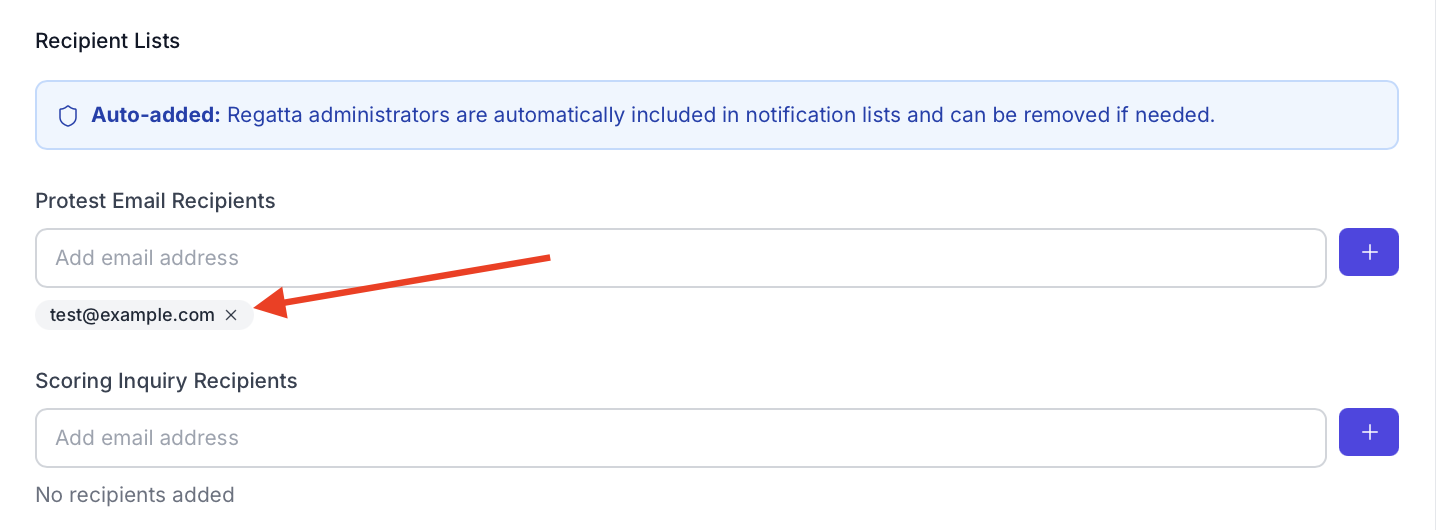
- Save changes