
Submitting a Protest
File a protest about another competitor's conduct or rule violation during a race
If you believe another boat has violated a racing rule during competition, you can file a formal protest. This guide walks you through the process of submitting a protest using RegattaHub's public interface.
Accessing the Protest Form
Navigate to the Regatta's Public Page
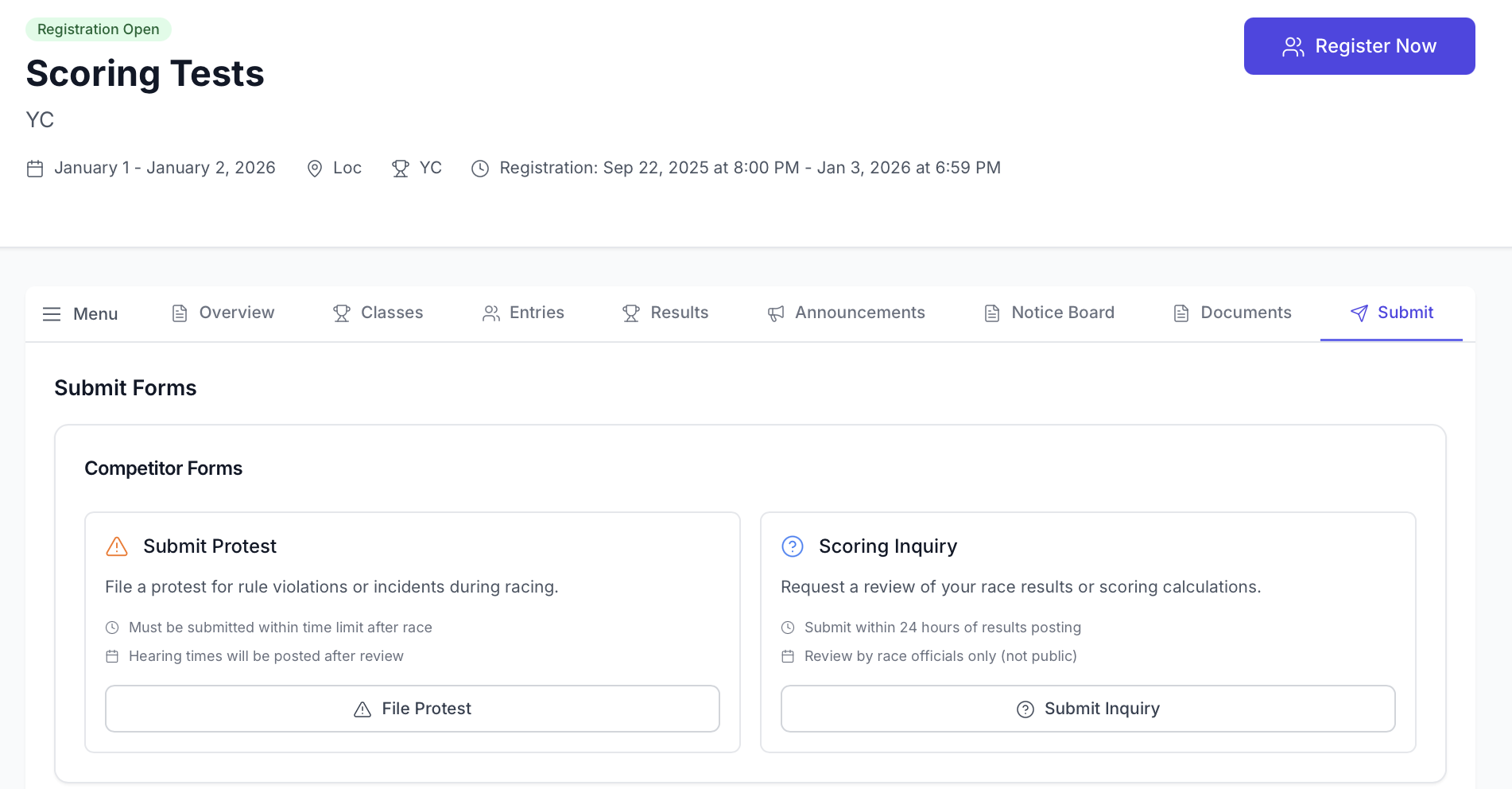
- Go to the regatta's public page
- Click on the "Submit" tab (you may need to log in to your RegattaHub account)
- Locate the "File a Protest" button, which is typically displayed prominently in red
Login Required
To submit a protest, you must:
- Have an active RegattaHub competitor account
- Be logged into your account when accessing the protest form
- Have verified your email address
You can only file a protest if you were entered in the regatta. Protests from spectators or uninvolved parties will not be accepted.
Completing the Protest Form
Form Fields
The protest submission form includes the following fields:
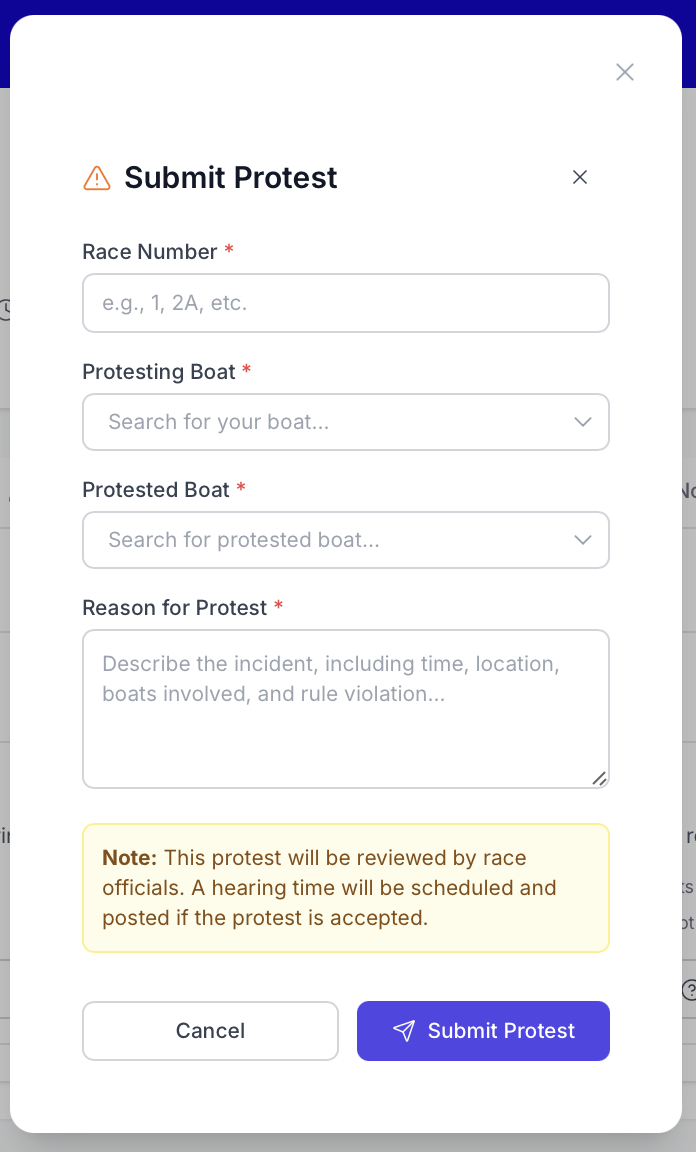
Race Number
Enter the race number where the incident occurred. This must match the actual race number from the regatta's schedule.
Protesting Boat (Your Boat)
Select your boat from a dropdown menu. The form shows:
- Your registered boats for this regatta
- Sail numbers and boat names
- Only boats you actually entered can be selected
Protested Boat (Other Boat)
Select the boat you are protesting from a searchable dropdown. This dropdown:
- Shows all boats entered in the regatta
- Allows you to search by sail number or boat name
- Displays the boat's class or fleet for clarity
- Makes it easy to identify the correct boat
Incident Description
Provide a detailed description of what happened. Include:
- Specific location on the course (starting line, mark, etc.)
- What rule you believe was violated
- How the violation affected your boat
- Any relevant details about wind, sea state, or positioning
- Names of any witnesses
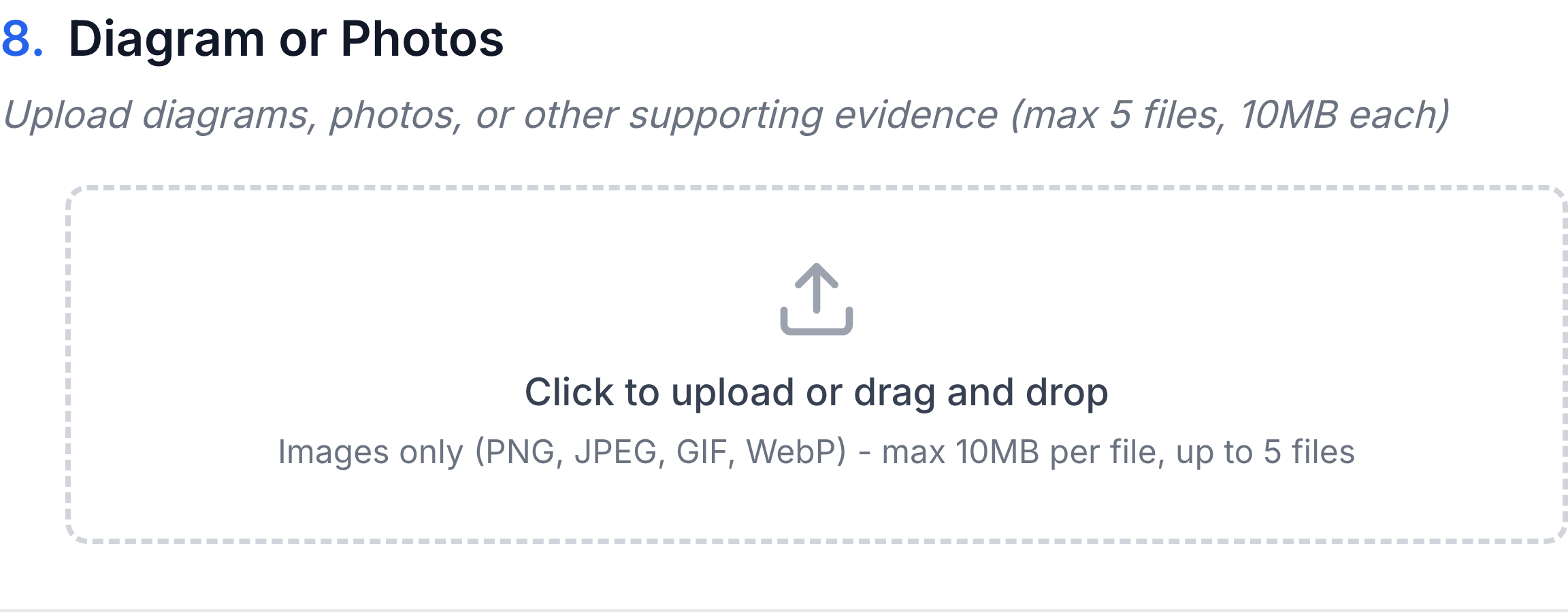
Diagram or Photos (Optional)
If you have supporting evidence (photos, diagrams, screenshots), you can attach it to help race officials understand what happened.
Be thorough and factual in your description. The protest committee will use this information to decide the case. Vague descriptions make it harder to resolve the protest fairly.
Submitting Your Protest
Review and Submit
- Review all information for accuracy before clicking submit
- Ensure you have selected the correct boats and race number
- Click "Submit Protest" to file the protest
- The system will validate all required fields
After Submission
Confirmation Message
Upon successful submission, you will see:
- A success confirmation message
- The protest number assigned (e.g., "Protest #2024-05")
- The date and time of submission
- Notification that the protest will be reviewed by race officials
No Editing After Filing
Once a protest is submitted, you cannot:
- Edit the protest content
- Withdraw the protest through the system (must be done at the hearing)
- Add additional information online
If you made a mistake or need to provide additional information:
- Contact the protest committee immediately
- Bring corrections and additional information to the hearing
- File an additional protest if necessary
What's Public
After the protest hearing, the following information will be posted publicly on the Notice Board:
- Protest number
- Boats involved
- Hearing schedule
- Decision summary
- Any penalties applied